Dirt Cheap Pro Gamer - Intel i5 8400 + RX 460 2GB
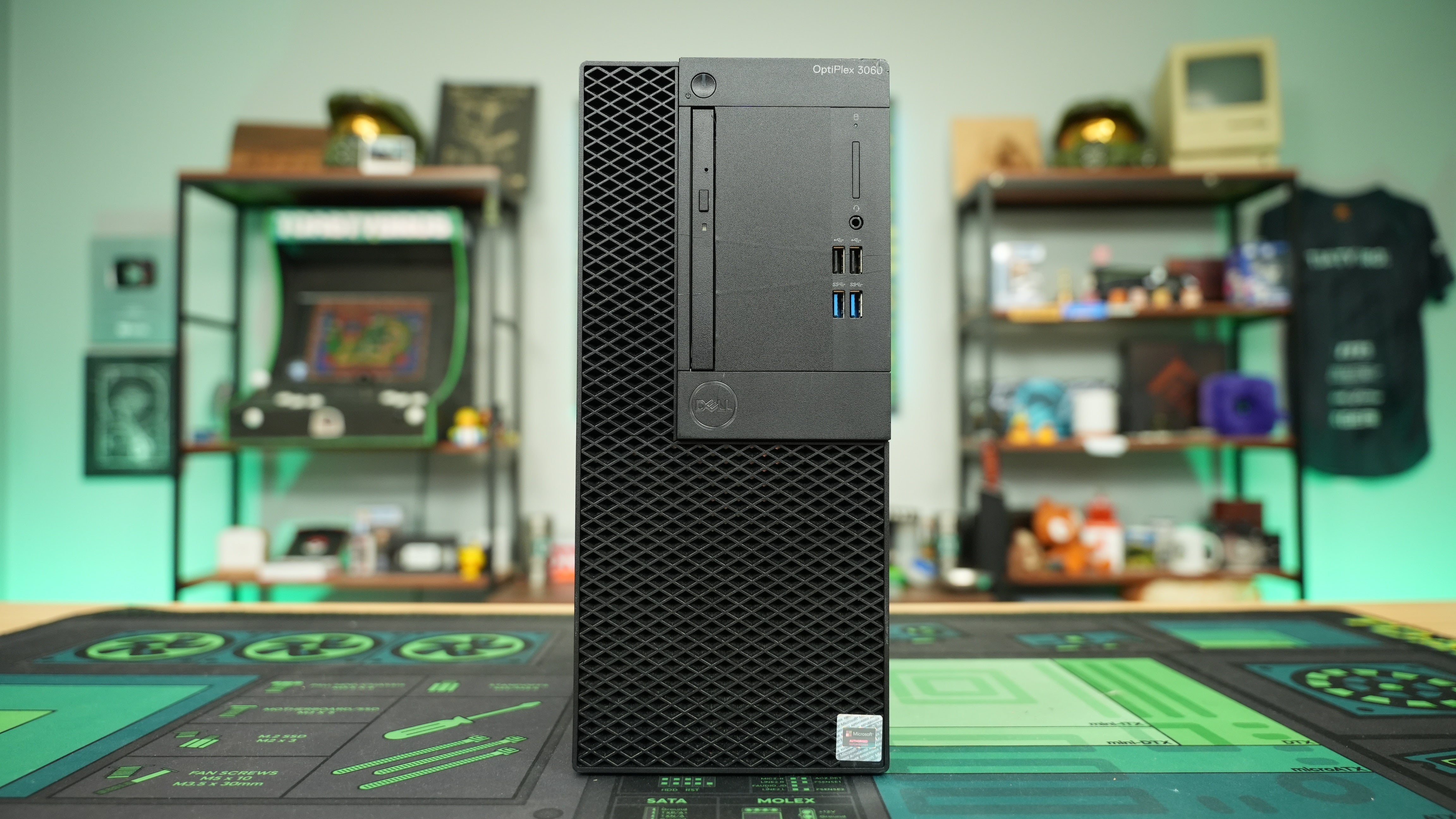
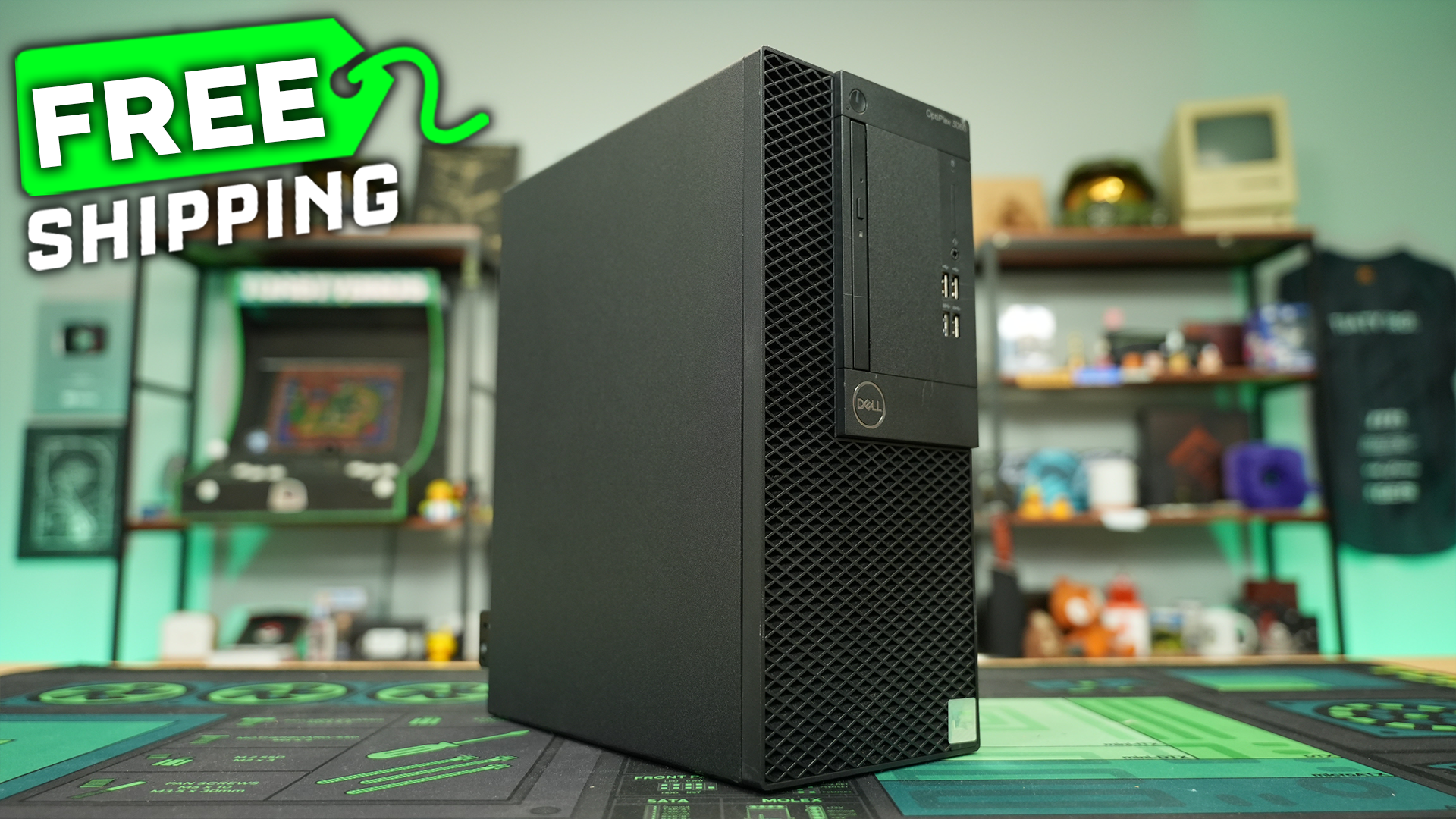
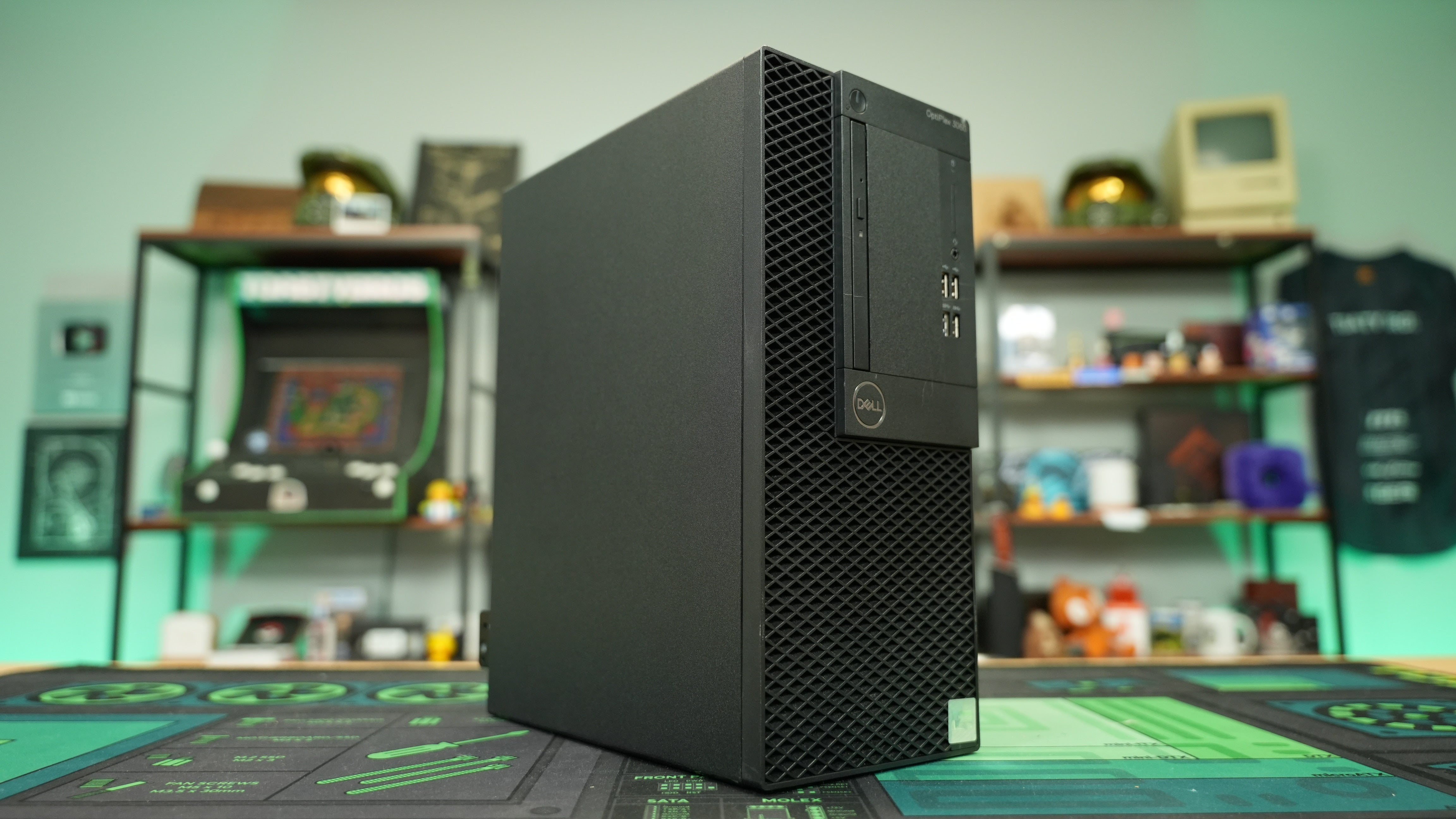
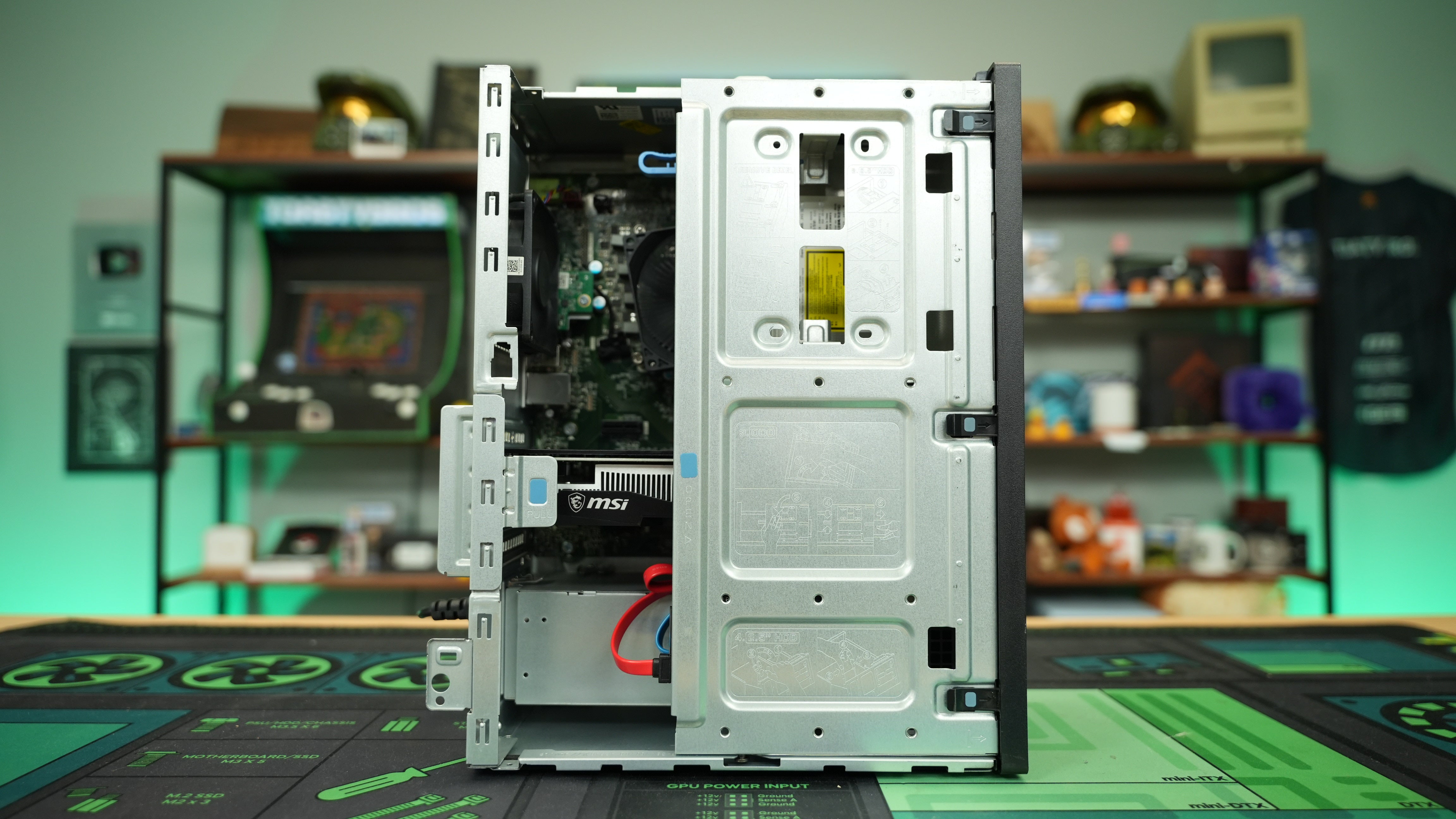
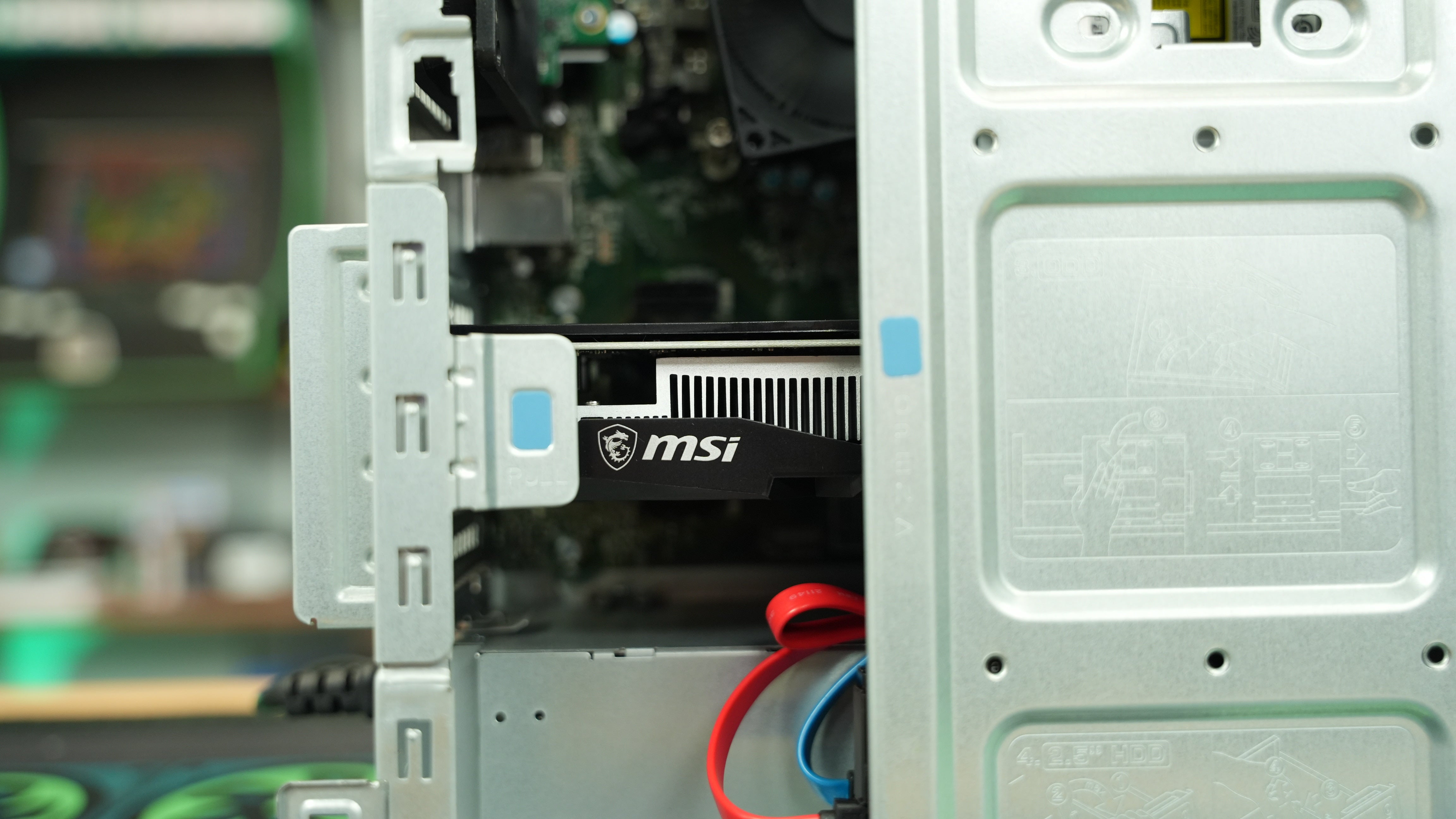
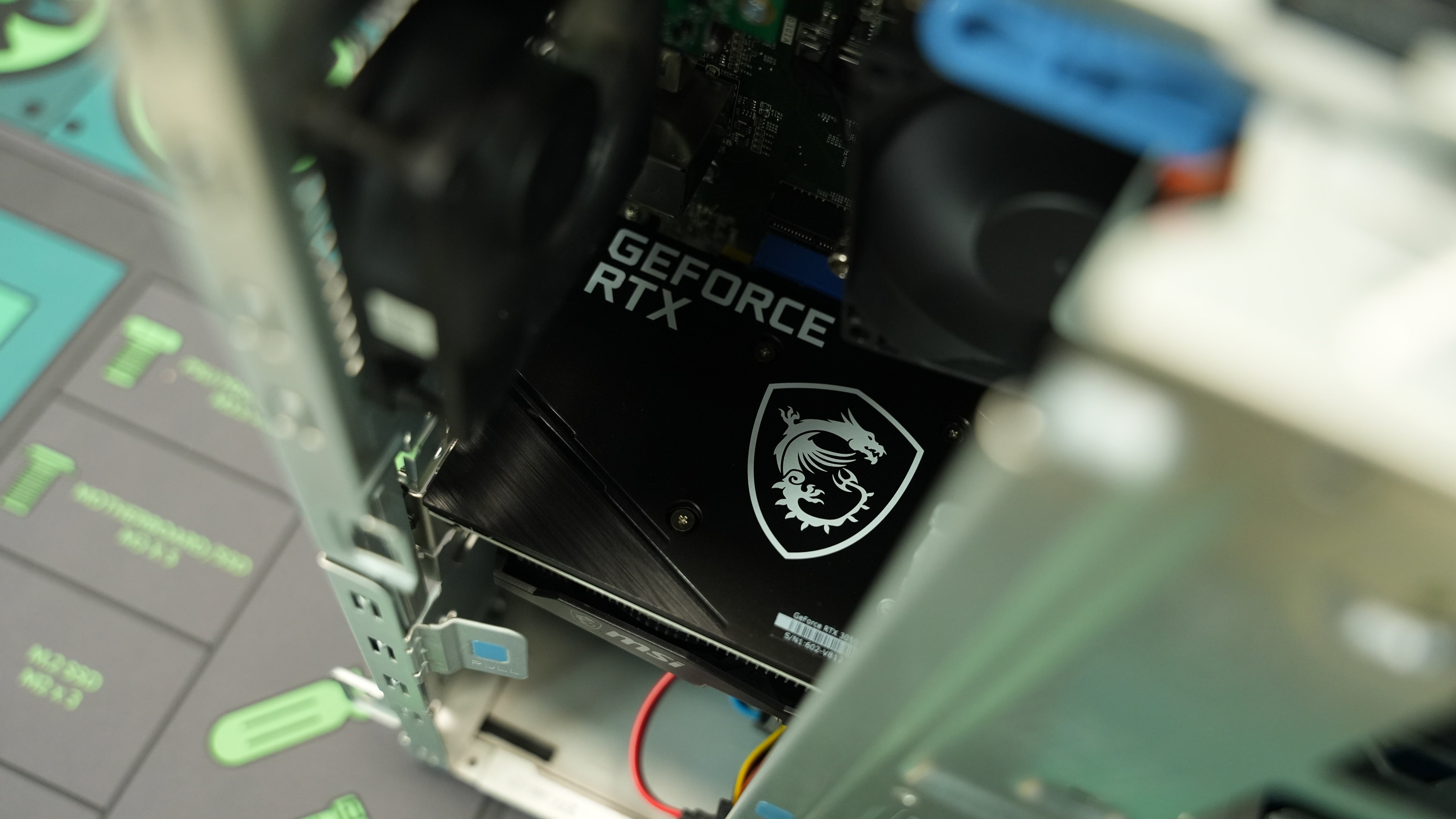
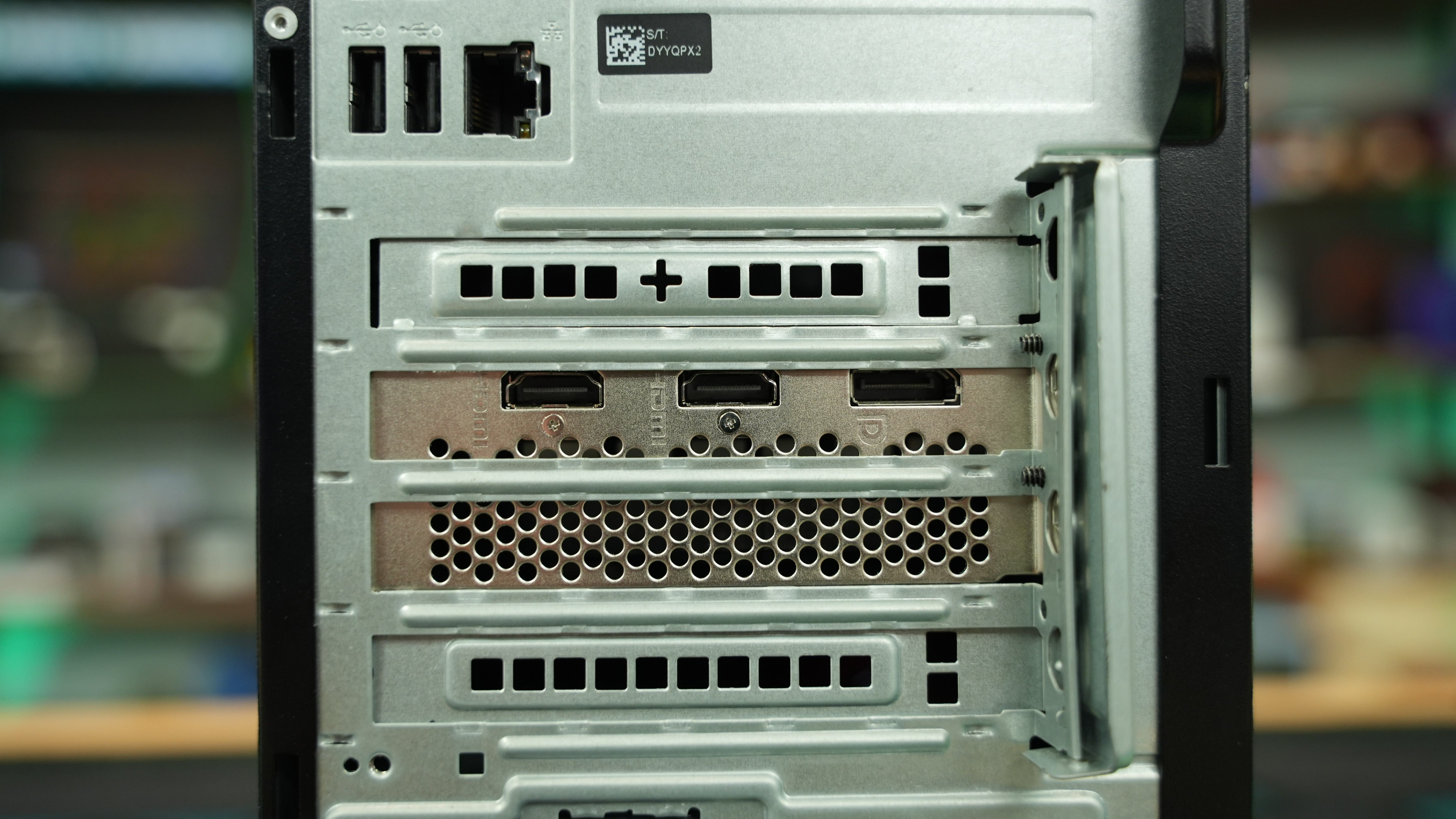
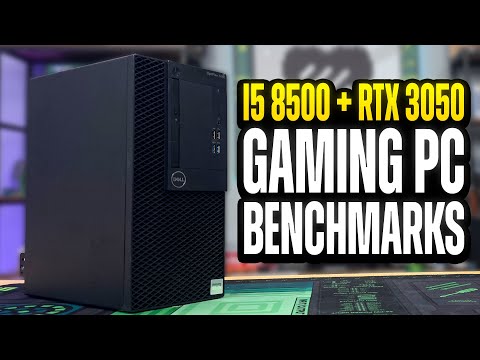
If you're looking for a newer and full size version of the dirt cheap gamer WITH more performance, look no further than the Dirt Cheap Pro Gamer! The Dirt Cheap Pro on the outside is just a normal office computer, but on the inside is an Intel Core i5 with 6 Cores and 6 Threads, and a AMD RX 460 2GB. These specs allow this PC to shine in light 1080P and 720P eSports and AAA titles at lower settings. Games like Fortnite, LOL, WOW, Hytale, Sims, Peak, Indy games, and more run great with settings optimization.
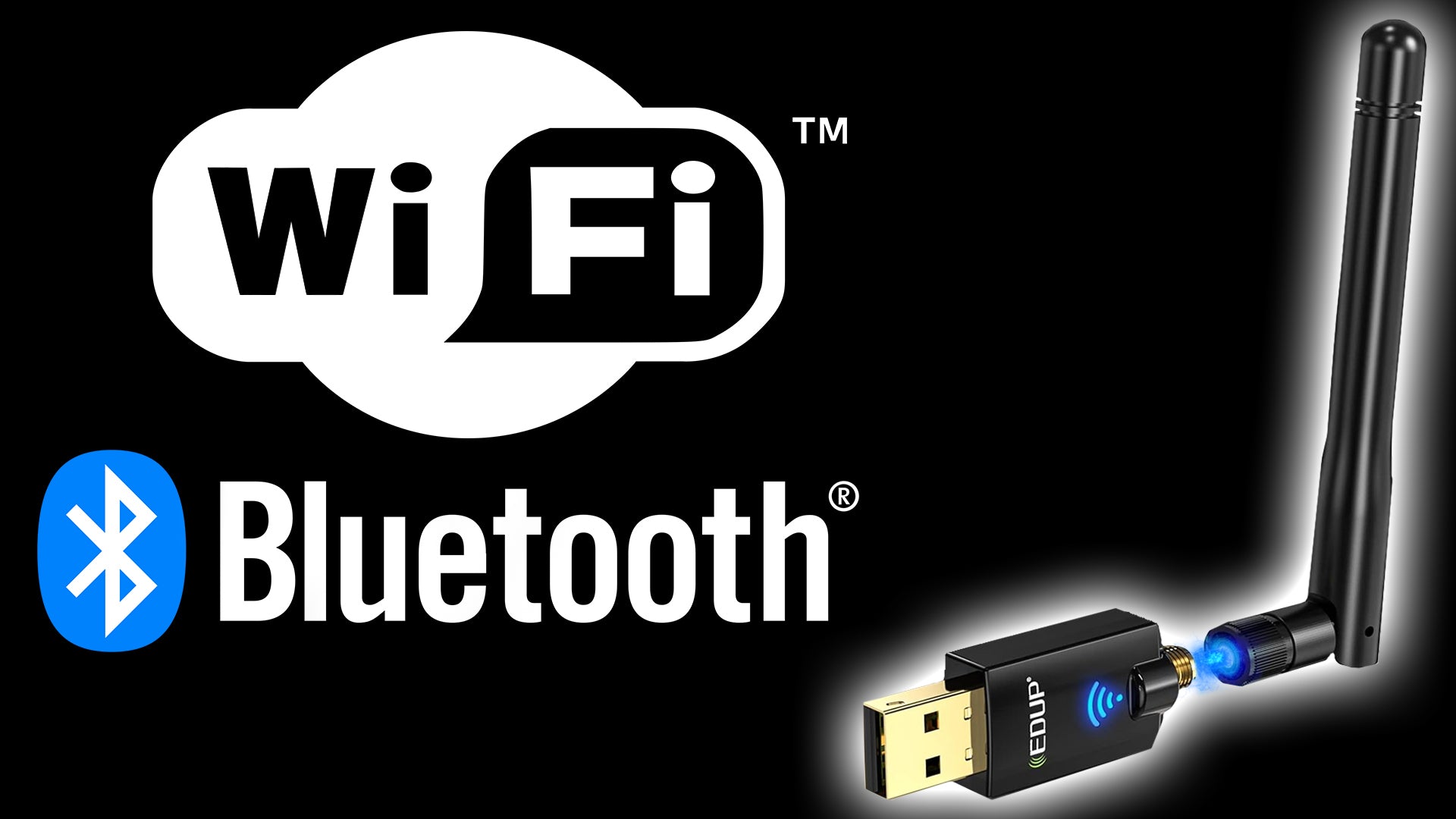
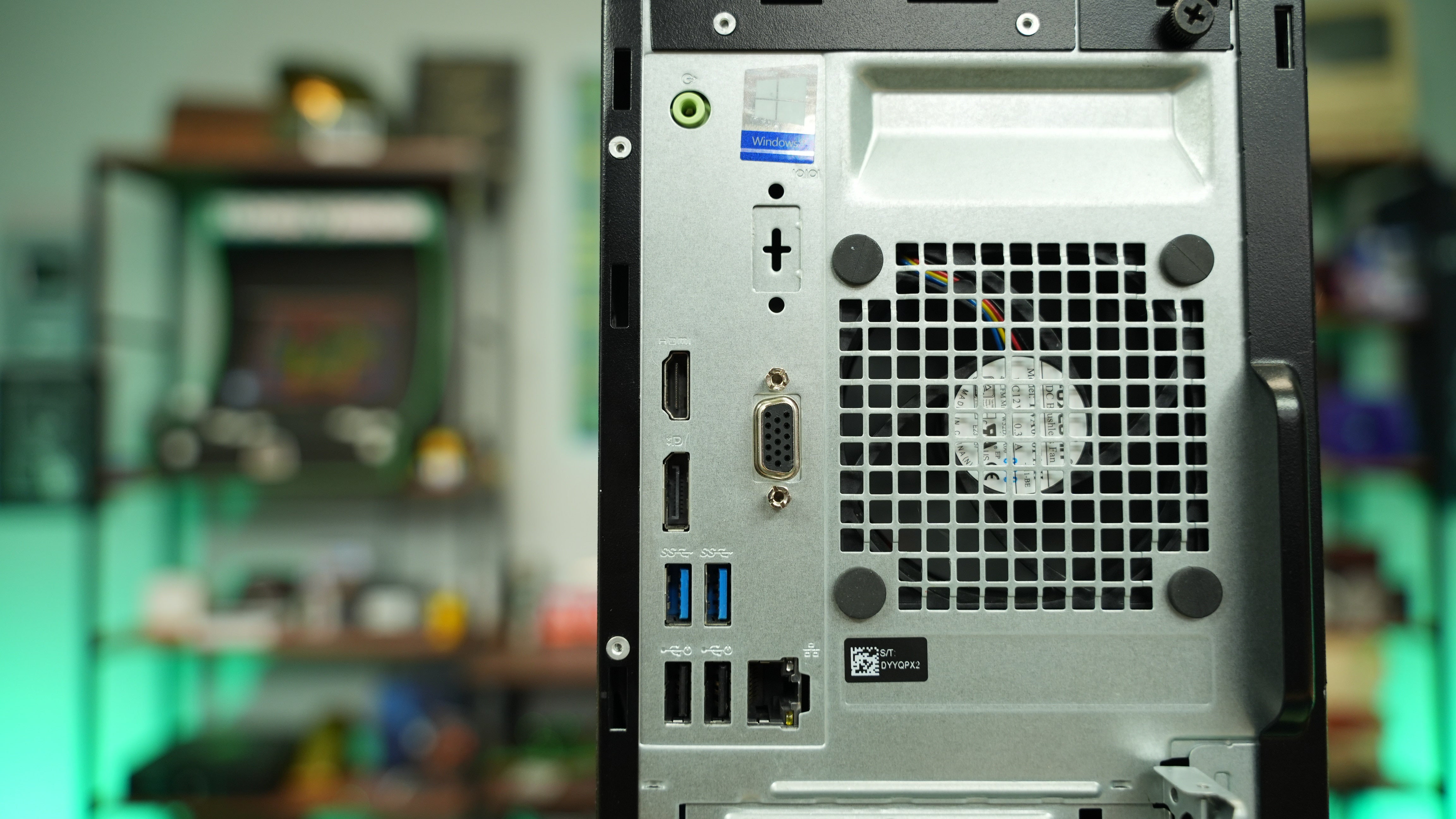
This PC comes backed by our complete 30 day parts and labor warranty. Windows 11 is installed and activated along with all updates and drivers so you're ready to go out of the box. The computers themselves are used but fully cleaned and refurbished by us, so expect some wear on your case. This will not affect performance! Bluetooth and Wi-Fi are NOT integrated into the motherboard so you will need to purchase an adapter if you plan on using Bluetooth and/or Wi-Fi. Power cord included with purchase.
| CPU | Intel Core i5 8400 6 Core 6 Thread* |
| GPU | AMD RX 460 2GB GDDR5 |
| Mobo | OEM |
| RAM | 8GB DDR4-2133Mhz* |
| Storage | 240GB SSD (or more depending on current stock) |
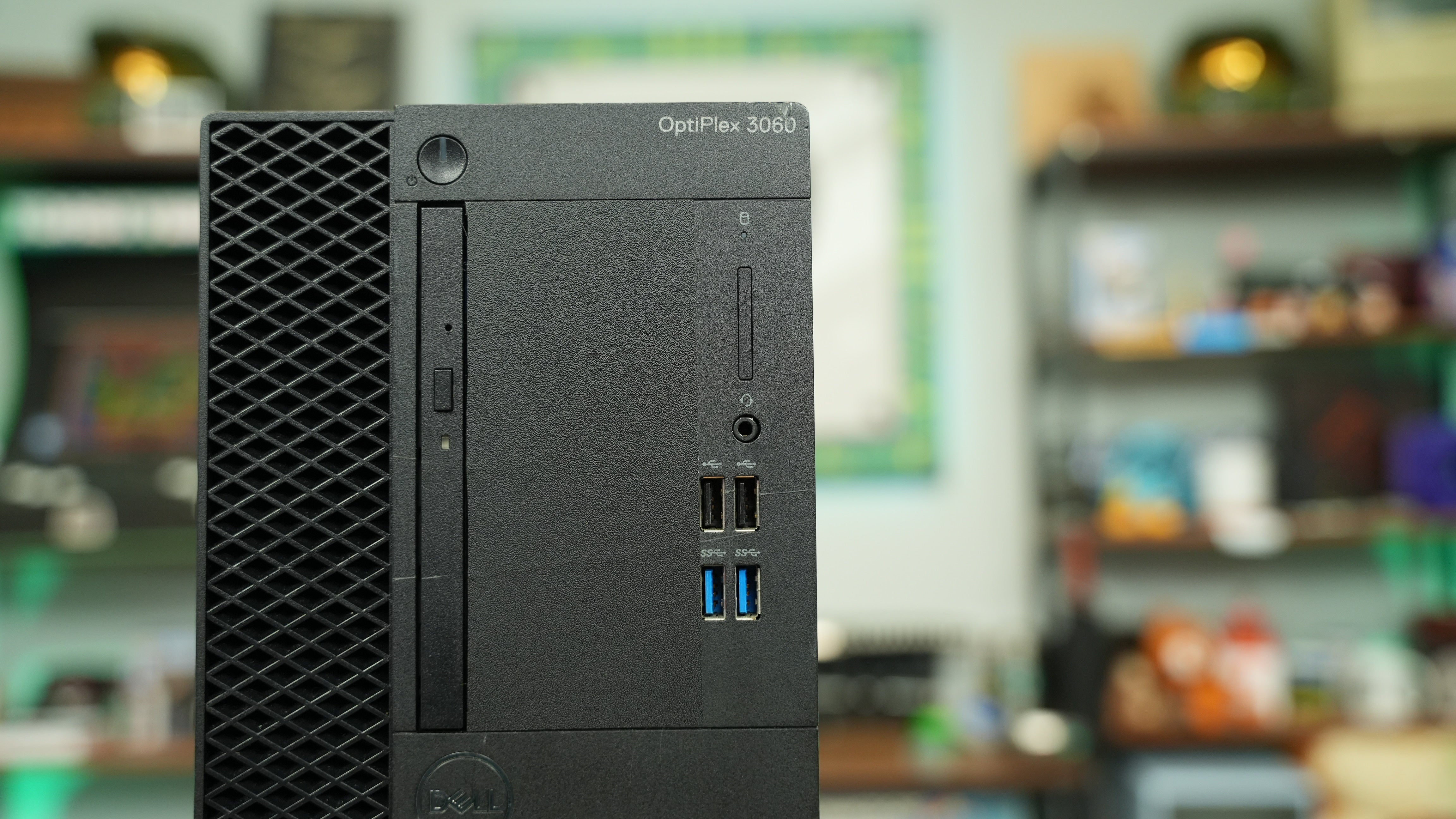
| Case | Dell OptiPlex 3060* |
| PSU | Dell OEM |
| Cooler | OEM with New Thermal Paste |
Items marked with "*" may vary based on parts availability, however any substitutions will be of equivalent performance or better!
 Ships Between*
-
Due to ongoing market-wide RAM price increases, the cost of PCs may be affected. In some builds we may substitute RAM that differs from site images, and it may not include RGB lighting. Performance and specifications will remain equal or better.
2026-01-21 21:40:12 -0500
According to Microsoft, these are the system requirements for Windows 11. If you require Windows 11 support, please reference their system requirements to ensure compatibility before you place your order.
You can see the entire article here: https://www.microsoft.com/en-us/windows/windows-11-specifications
Windows 11 System Requirements:
These are the minimum system requirements for installing Windows 11 on a PC. If your device does not meet these requirements, you may not be able to install Windows 11 on your device and might want to consider purchasing a new PC. If you are unsure whether your PC meets these requirements, you can check with your PC Original Equipment Manufacturer (OEM) or, if your device is already running Windows 10, you can use the PC Health Check app to assess compatibility. Note that this app does not check for graphics card or display, as most compatible devices will meet those requirements listed below.
Your device must be running Windows 10, version 2004 or later, to upgrade. Free updates are available through Windows Update in Settings>Update and Security.
- Processor:
1 gigahertz (GHz) or faster with 2 or more cores on a compatible 64-bit processor or System on a Chip (SoC). - RAM:
4 gigabyte (GB). - Storage:
64 GB or larger storage device Note: See below under “More information on storage space to keep Windows 11 up-to-date” for more details. - System Firmware:
UEFI, Secure Boot capable. Check here for information on how your PC might be able to meet this requirement. - TPM:
Trusted Platform Module (TPM) version 2.0. Check here for instructions on how your PC might be enabled to meet this requirement. - Graphics Card:
Compatible with DirectX 12 or later with WDDM 2.0 driver. - Display:
High definition (720p) display that is greater than 9” diagonally, 8 bits per color channel. - Internet Connection and Microsoft Account:
Windows 11 Pro for personal use and Windows 11 Home require internet connectivity and a Microsoft account during initial device setup.
Switching a device out of Windows 11 Home in S mode also requires internet connectivity. Learn more about S mode here.
For all Windows 11 editions, internet access is required to perform updates and to download and take advantage of some features. A Microsoft account is required for some features.
Certain features require specific hardware. System requirements to run some apps will exceed the Windows 11 minimum device specifications. Check device compatibility information specific to the apps you want to install. Available storage on your device will vary based on installed apps and updates. Performance will scale with higher end, more capable PCs. Additional requirements may apply over time and for updates.
Don't Forget!